I’ve always seen it done. Clearing the input field on focus.

JQuery seems to be pretty simple. Its just the syntax you have to get used to.

First the html markup

Sign up

Notice that for each input field I have an id, name, and alt attribute

Next integrating JQuery


Notice that I’m using googleapis to host the javascript. It seems that this is a better/faster alternative to hosting it directly on your host, plus google servers are most likely cached and will provide a better experience for the client.

Next building the JQuery plugin

		$.fn.clearSetFocus = function(iAttr)
		{
		}

We’re gonna create a namespace for ourselves. In my case, I named my function clearSetFocus. The $ creates a new JQuery object. you could also use jQuery(). So, I’ve created a new function named clearSetFocus and I’m taking in one parameter, called iAttr.

To actually attach this plugin to an element all I have to do is to call it.

Calling the plugin

$(document).ready(function(){
			$('#newsName').clearSetFocus('alt');
			$('#newsEmail').clearSetFocus('alt');
		});

Notice that I call the document.ready function before I add my plugin to the elements. I’ve found that if I don’t do that then the js could execute before the elements are loaded and make the script fail. So what I’ve done is create a new jQuery object for the element #newsName and attached the plugin clearSetFocus with the parameter alt.

Back to writing the plugin.

The plugin

//name my function clearSetFocus
		$.fn.clearSetFocus = function(iAttr)
		{
			//on focus
			this.focus(function()
			{
				if ($(this).val() == $(this).attr(iAttr))
				{
					$(this).val("");
				}
				
			//on blur - chained functionality	
			}).blur(function()
			{
				//get the value currently in the input
				if($(this).val().length==0)
				{
					//replace the value with the alt value
					$(this).val($(this).attr(iAttr));
				}
			});
		};

The this refers to my element that I’ve attached the plugin to. so in this case the element #newsName. I attach the function focus() – which allows me to add a function to when the user focus’ on the element. In this case, my logic is simply, if my value is the same as my alt value, then clear it. on blur() – which means to navigate away from the element, my logic is if the value’s length is 0, but the alt value back in.

Couple things to note.
.val() – this allows me to either get the value associated with the element
.val(“test”) – allows me to set the value of the element
.attr(“id”) – allows me to retrieve the value of the attribute of the element. so if the markup was

, I would get test

All done!
Vtiger is a great open source Customer Relations Management System (CRM). Its built in PHP, MySQL and does almost everything.

For some reason when I install vTiger, I always have to correct the file permissions. So here is a file to help streamline that process.

take this code and create a new file, call it .xshmod and copy this into the file. then run it using ./xshmod

# script to chmod all the vtiger files
# must exist in the root of the vtiger install

chmod 777 config.inc.php
chmod 777 tabdata.php
chmod 777 install.php
chmod 777 parent_tabdata.php
chmod 777 cache/
chmod 777 cache/images/
chmod 777 cache/import/
chmod 777 storage/
chmod 777 install/
chmod 777 user_privileges/
chmod 777 Smarty/cache/
chmod 777 Smarty/templates_c/
chmod 777 modules/Emails/templates/
chmod 777 modules/
chmod 777 cron/modules/
chmod 777 test/vtlib/
chmod 777 backup/
chmod 777 Smarty/templates/modules/
chmod 777 test/wordtemplatedownload/
chmod 777 test/product/
chmod 777 test/user/
chmod 777 test/contact
chmod 777 test/logo
chmod 777 logs/
chmod 777 modules/Webmails/tmp/

Problem
While working on a project, I had left my computer on to go grab some dinner and when I came back, I attempted to use the Rectangular Marquee Tool, but all I could see was a hand. I tried switching tools, for some reason I was still able to lay down guides, but I couldn’t move them, closing/re-opening the file, restarting the application, and then I finally searched online and found the solution.

Solution
Try changing the workspace from the Window menu. I changed it to “Essential” and that brought back all my functionality

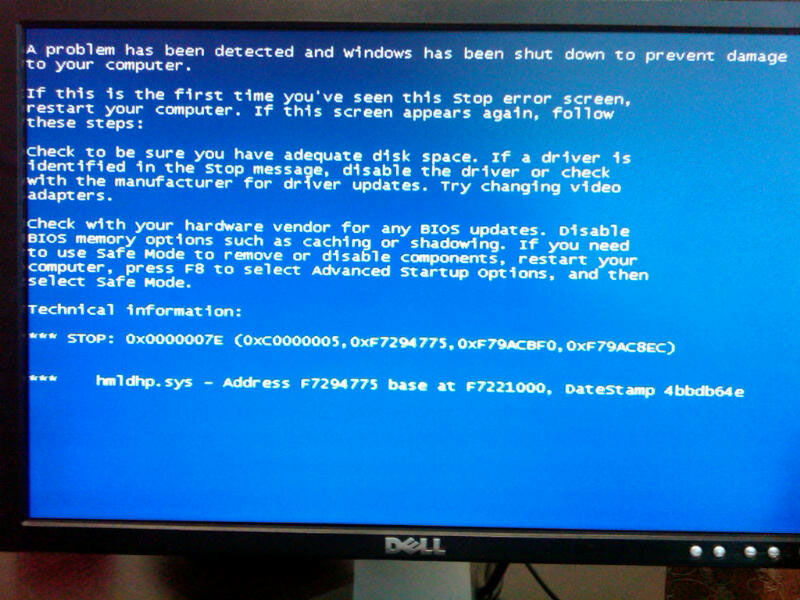
Mac users have always triumphed at the site of a blue screen of death (BSOD). It was a metaphorical f you to all those Windows users out there. Everyone knows that the bsod means that something horrendous has occurred with Windows, but what does it really mean?

Recently a friend received one. It seems to occur less frequently, maybe because Windows 7 is better at hiding them. haha. Regardless I was looking into them and usually they have some type of heading error, but in this case there was none and just a Stop. So I google’d for the specific .sys file and there was nothing and then I stumbled upon this site. It seems to give a good explanation for all the error codes.

http://kadaitcha.cx/xp/stop_error.html

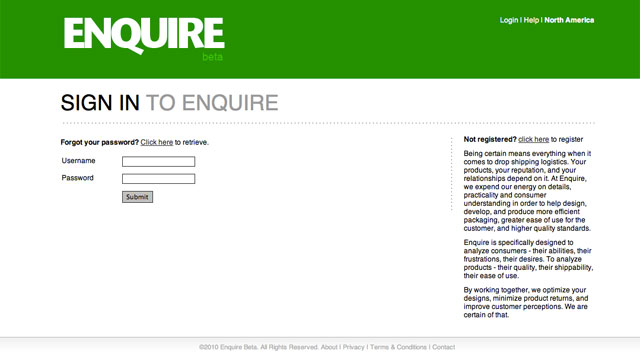
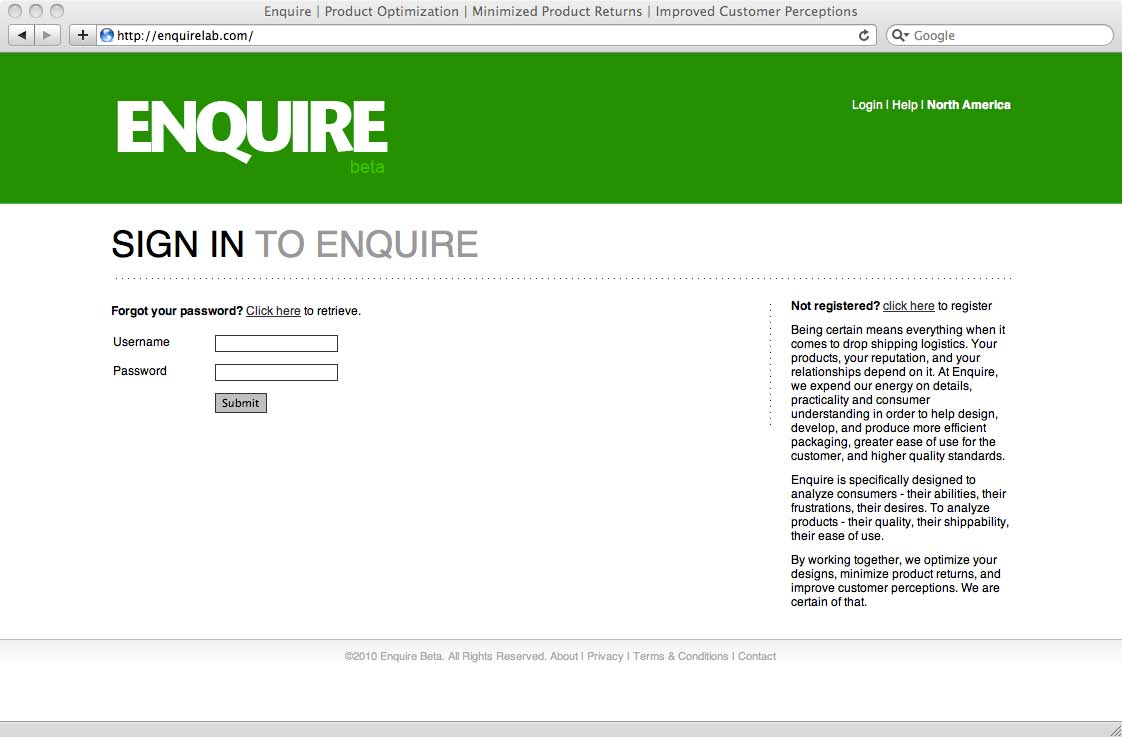
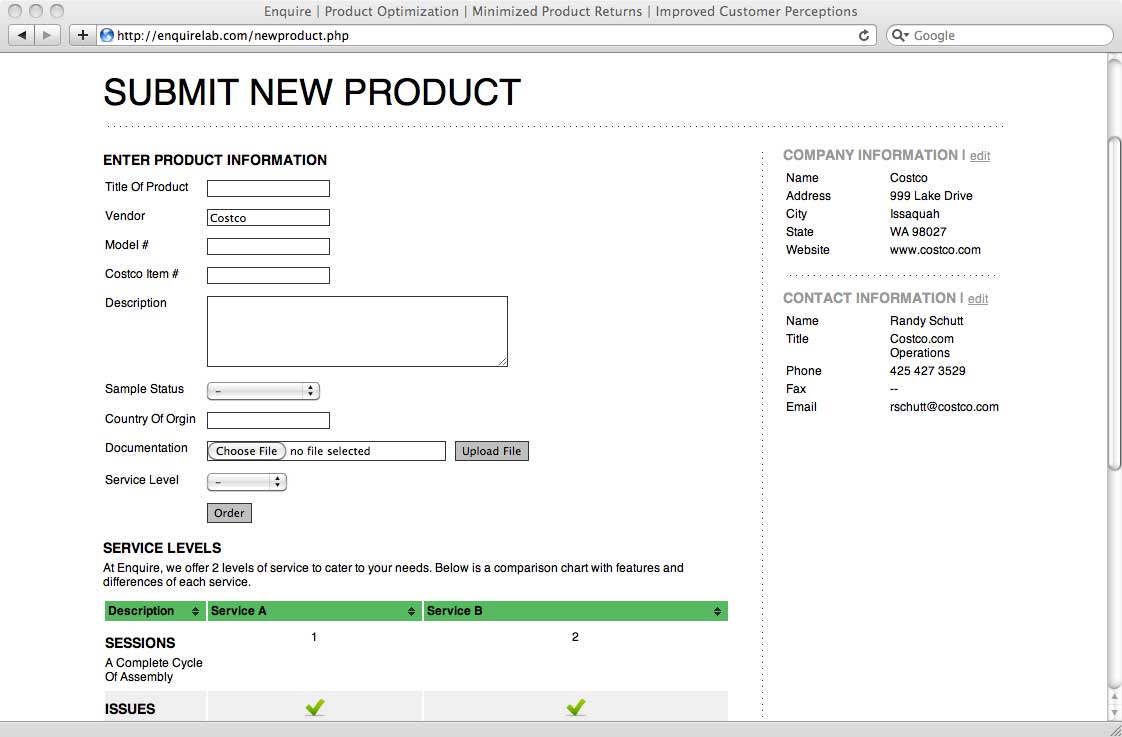
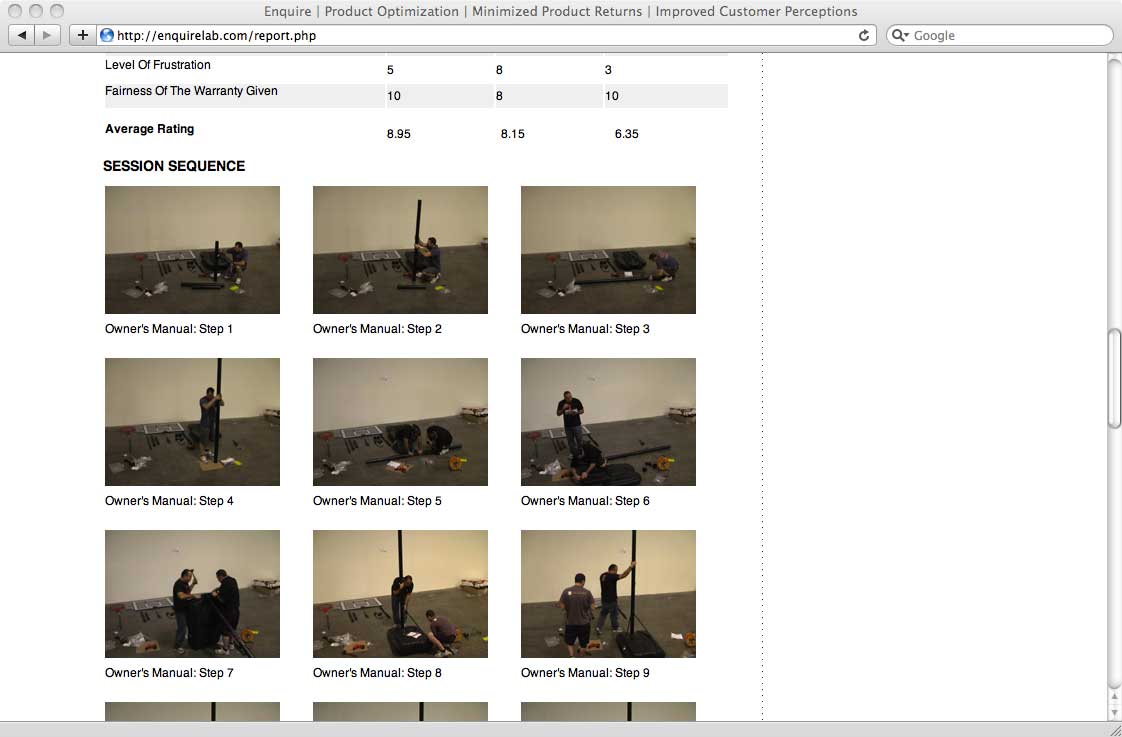
Enquire is specifically designed to analyze consumers – their abilities, their frustrations, their desires. To analyze products – their quality, their shippability, their ease of use.

Technology: PHP, JQuery, CSS, HTML, MySQL

launch site

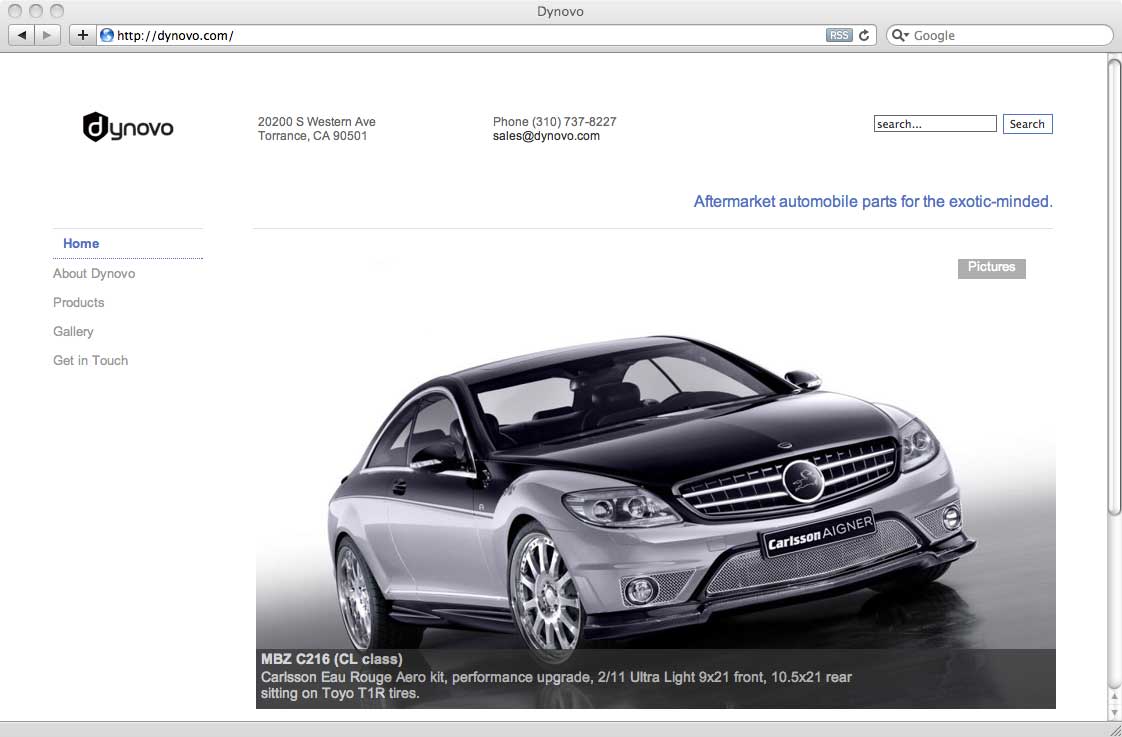
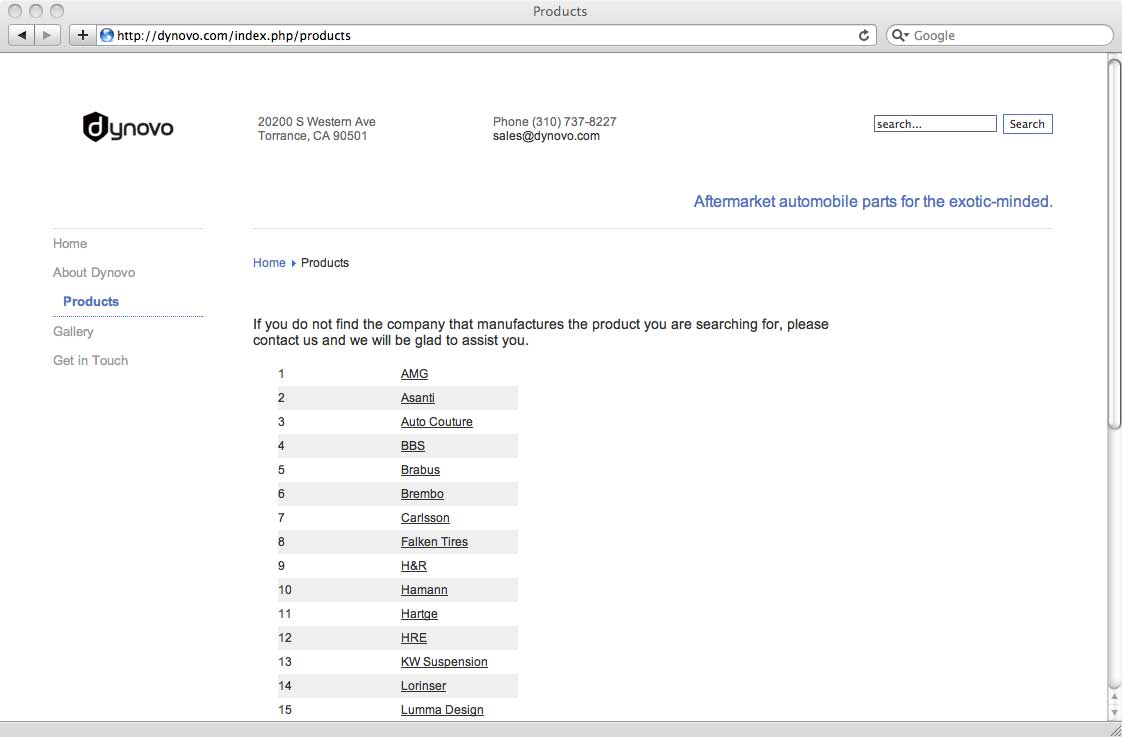
Dynovo offers a full line of tuning products such as wheels, aerodynamics, power kits, and suspension systems from major tuner brands and specializes in exotic and high-end European cars.

Technology: PHP, Joomla, CSS, HTML, MySQL

launch site